
Skip to content
Help Center
  • QuaverEd.com
  • FAQs
  • Site Status
  • Contact Us
Help Center
  • QuaverEd.com
  • FAQs
  • Site Status
  • Contact Us

Help Center

Getting Started

  • Substitute Teacher Access

Lessons

Admin Tools

  • QRewards and QuaverNotes
  • Attendance
  • Admin Tools Overview
  • Classes
  • Student Accounts
  • GradeBook
  • Creating & Distributing Assignments
  • Chat

Creatives

Supplemental Resources

Creating Resources

  • Resource Creation Overview
  • Multimedia
  • Melody Composer
  • Checklist Builder
  • Quiz Challenge
  • Quiz Builder
  • Rubric Builder
  • Student Recording
  • Teacher Recording
  • Audio Upload
  • File Upload
  • Web Link
  • Video Link

Music Integration

Creating and Assigning Resources

  • Resource Creation Overview
  • Video Link
  • Web Link
  • File Upload
  • Audio Upload
  • Teacher Recording
  • Student Recording
  • Rubric Builder
  • Quiz Builder
  • Quiz Challenge
  • Checklist Builder
  • Melody Composer
  • Multimedia

Curriculum Documentation

Single Sign-on

  • ClassLink and QuaverEd
  • Clever and QuaverEd
  • Google and QuaverEd
  • Schoology and QuaverEd
  • Canvas and QuaverEd
  • Single Sign-On Other

Accessibility

  • Accessibility
  • Features and Enhancements
  • Accessibility FAQ
  • Home
  • Home
  • QuaverMusic
  • Creating & Assigning Resources
  • Web Link

Web Link

Quaver teachers can add a web link to any lesson or assignment.


A screenshot of the Resource Creation Screens page, with the Web Link icon highlighted.

Web Link Features #

  • Give your screen a title by clicking in the “Title” text box.
  • Add a URL from a web page.
  • Add/Edit Notes: Using the add/edit notes icon, you can add custom notes to any web link screen.
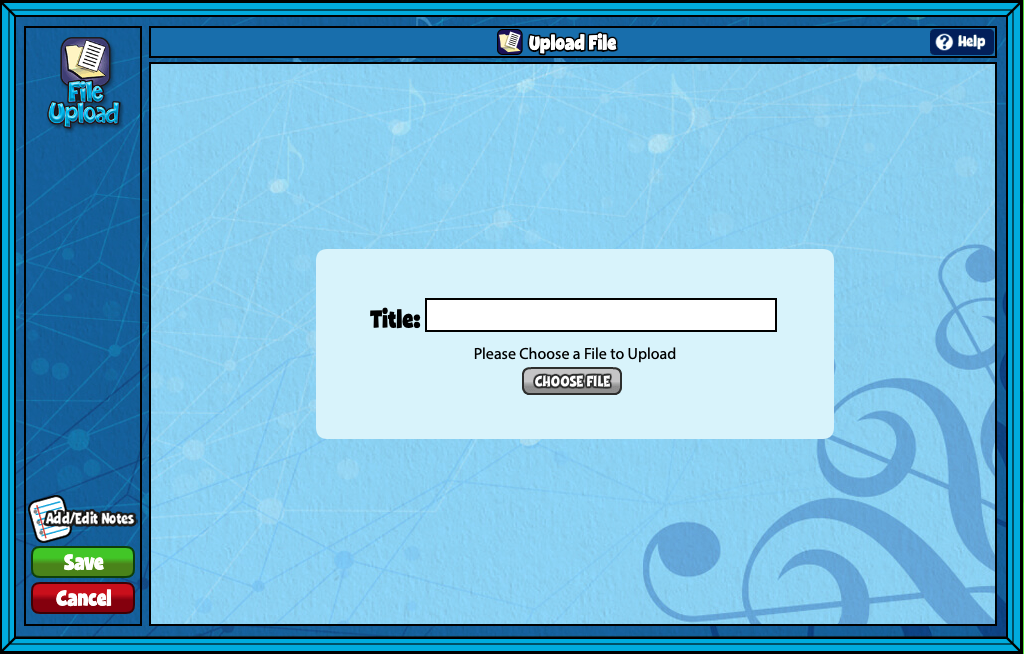
A screenshot of the Upload File screen, as described in this section.

Did you find this article helpful?
Need more information? Reach out to us.

How can we help?

2 thoughts on “Web Link”

  1. Ryan
    November 20, 2025 at 12:55 pm

    How could I embed a website directly into the lesson so that the student’s and I don’t have to switch between a bunch of different tabs?

    Reply
    1. Ryne Walker
      December 2, 2025 at 1:07 pm

      Hi Ryan,

      At this point Resource Creation does not support embedding webpages directly into lessons, but thank you so much for the feedback!

      Reply

Leave a Reply to Ryne Walker Cancel reply

Your email address will not be published. Required fields are marked *

Table of Contents
  • Web Link Features
  • QuaverEd.com
  • FAQs
  • Site Status
  • Contact Us
×

We're Here to Help!

We apologize if this page didn't meet your needs. Please provide more details:

Still need help? Contact Us

Copyright © 2026 QuaverEd, Inc.