
Skip to content
Help Center
  • QuaverEd.com
  • FAQs
  • Site Status
  • Contact Us
Help Center
  • QuaverEd.com
  • FAQs
  • Site Status
  • Contact Us

Help Center

  • Home
  • Home
  • Quaver Music Integration
  • Creating & Assigning Resources
  • Video Link

Video Link

Quaver teachers can add a YouTube or Vimeo link to any lesson or assignment.
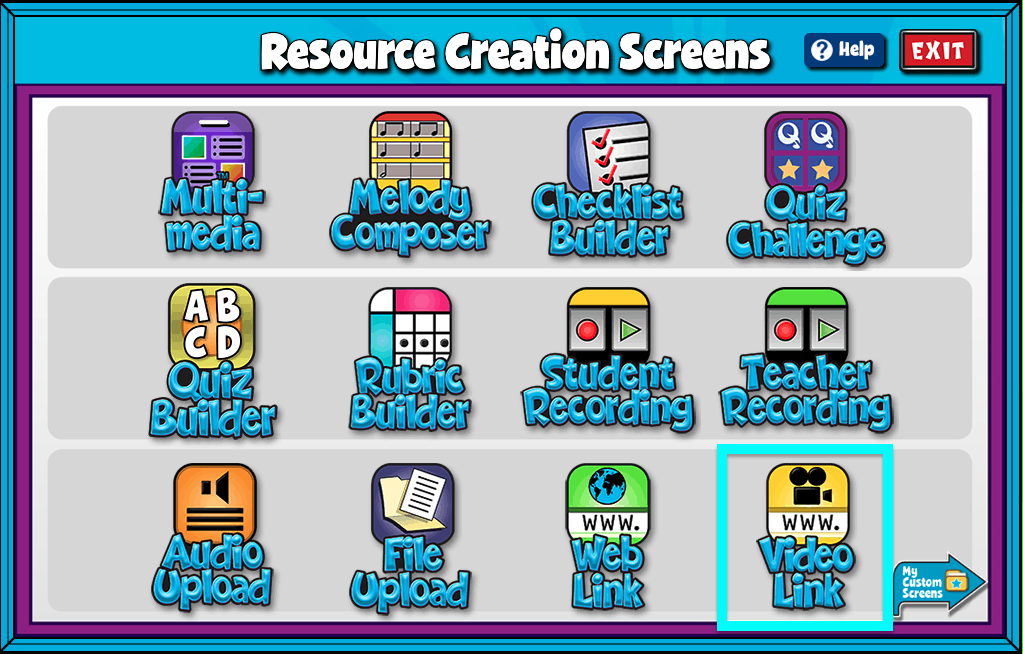

A screenshot of the Resource Creation Screens page, with the Video Link icon highlighted.

Video Link Features #

  • Give your screen a title by clicking in the “Title” text box.
  • Add a full URL from YouTube or Vimeo.
  • Add/Edit Notes: Using the add/edit notes icon, you can add custom notes to any video link screen.

Uploaded videos must be an MP4 or .mov file and under 300MB and 5 minutes in length.
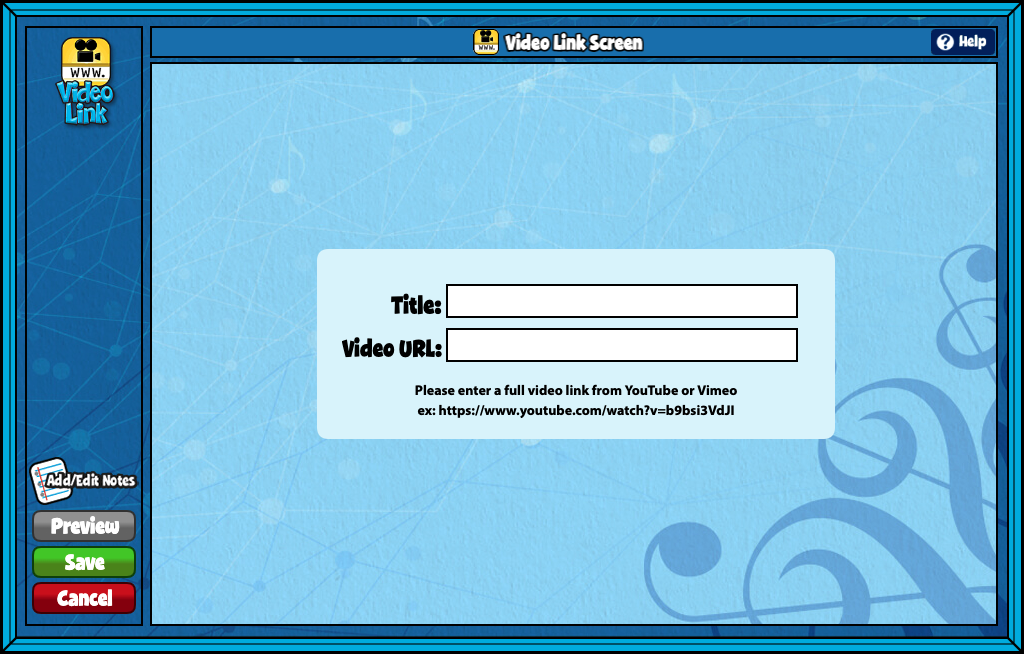

A screenshot of the Video Link Screen, as described in this section.

Did you find this article helpful?
Need more information? Reach out to us.

How can we help?

4 thoughts on “Video Link”

  1. Joanie Catron
    September 12, 2023 at 6:23 pm

    Is there a way to disable the “Watch on YouTube” pop out link at the bottom left of the video??

    Reply
    1. Van O (Product Support Manager)
      September 12, 2023 at 7:44 pm

      Hi Joanie,

      Unfortunately, the “Watch on YouTube” pop-up link at the bottom left of the video can’t be disabled. However, we are working to minimize any YouTube branding or logos within our content.

      As a potential workaround, you can add “?controls=0” to the end of your YouTube URL. Adding that text removes only the “Watch on YouTube” pop-up. But note that it doesn’t eliminate all elements like the share, watch later, and YouTube logo on the right side.

      I hope this helps!

      Reply
  2. Elisabeth Ann Smith
    October 20, 2023 at 1:32 pm

    I created a folder with a video link screen but when my students try and open the assignment, it says it’s empty?

    Reply
  3. Stacie
    October 31, 2023 at 6:00 pm

    I have a student teacher who created some video link resources. Is there a way for him to share them with me? Or do I need to create the resource using the same links?

    Reply

Leave a Reply to Stacie Cancel reply

Your email address will not be published. Required fields are marked *

Table of Contents
  • Video Link Features
  • QuaverEd.com
  • FAQs
  • Site Status
  • Contact Us
×

We're Here to Help!

We apologize if this page didn't meet your needs. Please provide more details:

Still need help? Contact Us

Copyright © 2026 QuaverEd, Inc.