
Skip to content
Help Center
  • QuaverEd.com
  • FAQs
  • Site Status
  • Contact Us
Help Center
  • QuaverEd.com
  • FAQs
  • Site Status
  • Contact Us

Help Center

Getting Started

  • Getting Started with QuaverHealth•PE
  • QuaverHealth•PE Dashboard
  • Health Lessons
  • PE Lessons
  • Resource Manager
  • Creating & Sharing Lessons
  • Custom Curriculums
  • Substitute Teacher Access

HPE Admin Tools

  • Admin Tools Overview
  • Classes
  • Student Accounts
  • Creating & Distributing Assignments
  • Attendance
  • GradeBook
  • Chat
  • QRewards and QuaverNotes

Creating Resources

  • Video Link
  • Web Link
  • File Upload
  • Audio Upload
  • Teacher Recording
  • Student Recording
  • Rubric Builder
  • Quiz Builder
  • Quiz Challenge
  • Checklist Builder
  • Melody Composer
  • Multimedia
  • Resource Creation Overview

Other Content Resources

  • Health•PE Toolboxes
  • Instructional Guides
  • Community Resources

Curriculum Features & Best Practices

  • General Information
  • Correlations
  • Scope and Sequence
  • Best Practices

Single Sign-on

  • ClassLink and QuaverEd
  • Clever and QuaverEd
  • Google and QuaverEd
  • Schoology and QuaverEd
  • Canvas and QuaverEd
  • Single Sign-On Other
  • Home
  • Home
  • QuaverHealth•PE
  • Creating & Assigning Resources
  • File Upload

File Upload

Quaver teachers create a screen that allows you to include documents or other PDFs right in the context of your lesson or assignment.
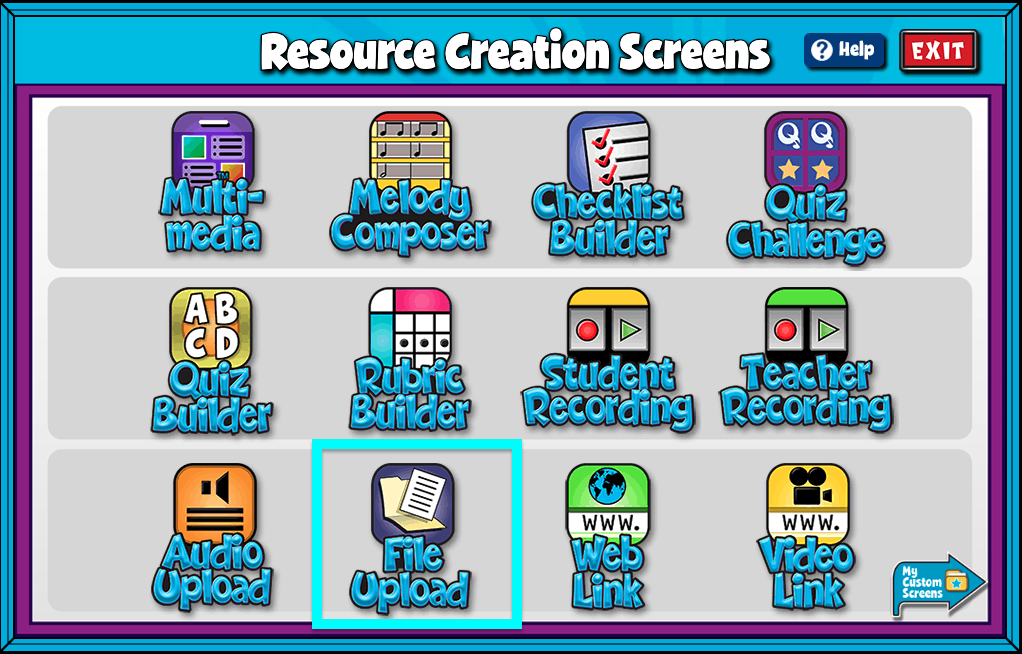

A screenshot of the Resource Creation Screens page, with File Upload highlighted.

File Upload Features #

  • Begin by giving your screen a title by entering text in the box labeled Title.
  • Select Choose File and select a file from your computer.
  • Add/Edit Notes: Using the add/edit notes icon, you can add custom notes to any file upload screen.
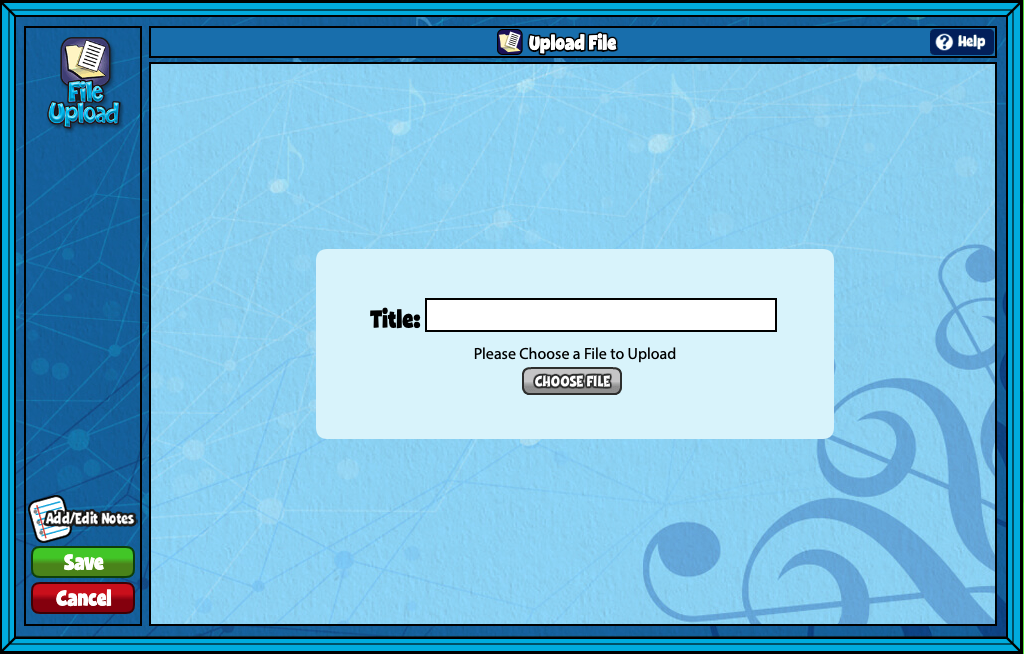

A screenshot of the Upload File page, with the Title and Choose File section in the center.

Did you find this article helpful?
Need more information? Reach out to us.

How can we help?

Leave a Reply Cancel reply

Your email address will not be published. Required fields are marked *

Table of Contents
  • File Upload Features
  • QuaverEd.com
  • FAQs
  • Site Status
  • Contact Us
×

We're Here to Help!

We apologize if this page didn't meet your needs. Please provide more details:

Still need help? Contact Us

Copyright © 2026 QuaverEd, Inc.